
To print from your phone, connect it to the same Wi-Fi network as a wireless printer, open the document or photo, tap Share (iPhone) or the three-dot menu (Android), and choose Print. iPhones print through AirPrint and Android phones through the built-in print service, so most modern printers need no extra app. No printer at home? You can print from your phone at stores like The UPS Store, FedEx Office, Staples and Office Depot, and at most public libraries.
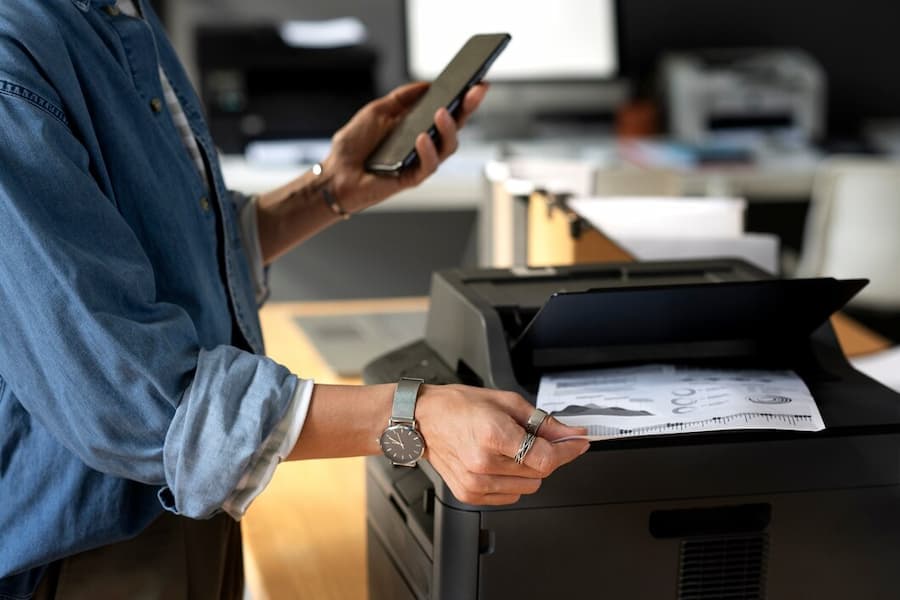
How to print from an iPhone or iPad
- Make sure your iPhone and the printer are on the same Wi-Fi network.
- Open the document, email, web page or photo you want to print.
- Tap the Share button (the square with an arrow), then Print. In some apps, Print is under the three-dot or “…” menu.
- Tap Printer and choose your printer.
- Set the number of copies, page range and color, then tap Print.
If your iPhone says “No AirPrint Printers Found”, follow our AirPrint troubleshooting guide.
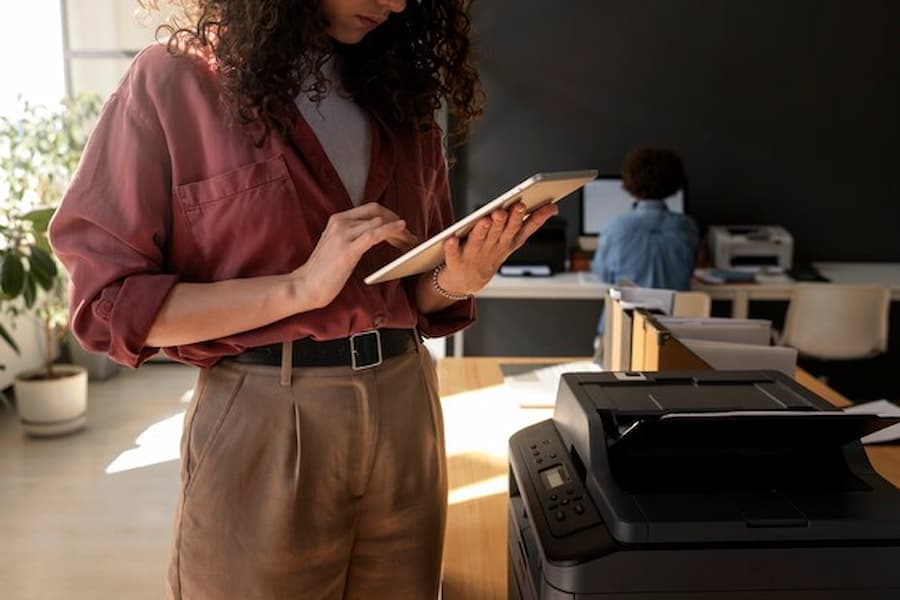
How to print from an Android phone
- Connect your phone to the same Wi-Fi network as the printer.
- Open the file, photo or web page.
- Tap the three-dot menu (or Share) and choose Print.
- Tap Select a printer at the top and pick your printer. If it isn’t listed, tap All printers > Add printer.
- Adjust copies and settings, then tap the print icon.
Android’s built-in Default Print Service finds most network printers. If yours doesn’t appear, install the free Mopria Print Service or your printer brand’s plug-in from the Play Store.
Other ways to print from your phone
- Printer apps: HP Smart, Canon PRINT, Epson Smart Panel and Brother Mobile Connect print directly and add scanning and troubleshooting tools.
- Email to print: many HP, Epson and Canon printers have their own email address. Send the file as an attachment from anywhere and it prints.
- Wi-Fi Direct: if there’s no Wi-Fi network, many printers create their own direct connection your phone can join.
- USB or USB-C cable: some printers support printing from a phone with an adapter, though wireless is usually easier.
Where can I print something from my phone?
If you don’t have a printer, these places let you print documents and photos from your phone, usually by uploading the file, emailing it, or using the store’s app:
- The UPS Store and FedEx Office: print documents by email or upload, with pickup at the counter.
- Staples and Office Depot / OfficeMax: self-service and counter printing from your phone.
- Public libraries: most offer mobile printing for a small per-page fee.
- Pharmacies and big-box stores such as Walgreens, CVS and Walmart: best for photo prints ordered through their apps.
- Your workplace or school: many office copiers accept mobile printing (see below).
Services and pricing vary by location, so check the store’s website or call ahead.
Printing from your phone at the office
Most current office copiers and multifunction printers support AirPrint and Mopria, so staff can print straight from their phones. Many offices also use secure release printing: you send the job from your phone, then walk to any copier and release it with a badge or PIN, so confidential pages never sit in the tray. If your office copier can’t print from phones, the network or the copier settings usually need a quick change from your IT team or copier dealer. Learn more about secure printing.
Troubleshooting
My phone can’t find the printer
Check that both are on the same Wi-Fi network (not a guest network), wake the printer, and restart the printer, router and phone.
The print comes out the wrong size
Check the paper size in the print options (Letter in the US), and turn off “fit to page” if your document is already letter-sized.
Printing from a specific app doesn’t work
Not every app supports printing. Save or export the file as a PDF, then print it from the Files app (iPhone) or Google Drive (Android).
Frequently asked questions
Can you print something from your phone?
Yes. iPhones and Android phones can print to most wireless printers without extra apps, and you can print at many stores and libraries.
How do I print from my phone to a printer without Wi-Fi?
Use the printer’s Wi-Fi Direct feature, or connect with a cable and adapter if your printer supports it.
Do I need an app to print from my phone?
Usually not. AirPrint and Android’s print service are built in. A printer app adds extras like scanning and ink levels.
Mobile printing for your business
Titan Office Solutions sets up copiers and printers for mobile and secure printing across North Carolina, South Carolina and Virginia, with a guaranteed 4-hour onsite response. Learn about managed print or get a free assessment.