
To find reliable copier repair near you, look for a local service company with factory-trained technicians for your copier’s brand, a guaranteed onsite response time, parts in stock, and clear pricing for either per-call repairs or a service contract. A copier that’s down stops invoices, contracts and scans, so response time matters as much as price. This guide covers what copier repair services include, warning signs your machine needs a technician, what you can fix yourself, and how to choose a repair company.
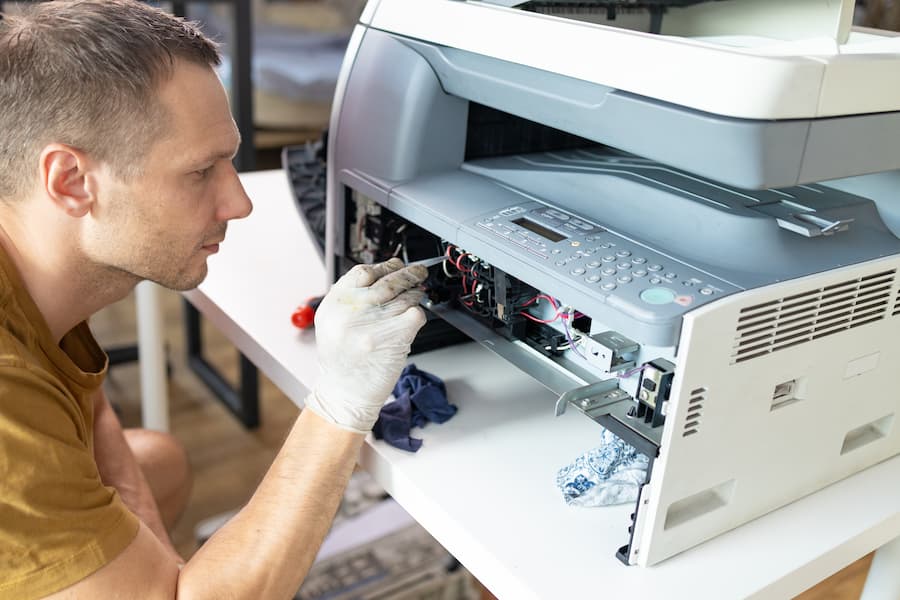
What copier repair services include
| Service | What it covers |
|---|---|
| Emergency repair | Onsite diagnosis and repair when the copier is down or printing badly |
| Preventive maintenance | Scheduled cleaning, adjustments and replacement of wear parts before they fail |
| Parts replacement | Fusers, drums, rollers, transfer belts, document feeder parts and boards |
| Error code troubleshooting | Diagnosing service codes and firmware problems |
| Network and scanning setup | Fixing scan-to-email, scan-to-folder and print driver problems |
| Toner and supplies | Often included in a service contract, shipped before you run out |
Signs your copier needs a technician
- Paper jams that keep coming back in the same spot
- Streaks, lines, smudges or faded prints that cleaning the glass doesn’t fix
- A service or “call technician” error code on the screen
- Grinding, squealing or clicking noises
- The document feeder skips, double-feeds or crumples originals
- Toner that rubs off the page, which usually points to the fuser
- Scan-to-email or network printing that suddenly stops working
What you can fix yourself first
Before you call for service, try these quick checks. They solve a surprising number of problems:
- Restart the copier with the power button and give it a few minutes to warm up.
- Clear jams carefully following the diagrams on the screen. See paper jam causes and fixes.
- Clean the scanner glass and the thin glass strip used by the document feeder.
- Check paper: use the right size and weight for the tray, and fan the stack so sheets don’t stick together.
- Replace the toner if prints are faint or the copier shows a low-toner warning.
Avoid opening panels or removing parts beyond what the screen instructs. The fuser runs very hot, and forcing parts can turn a simple repair into an expensive one. For routine care, see our daily copier cleaning tips.
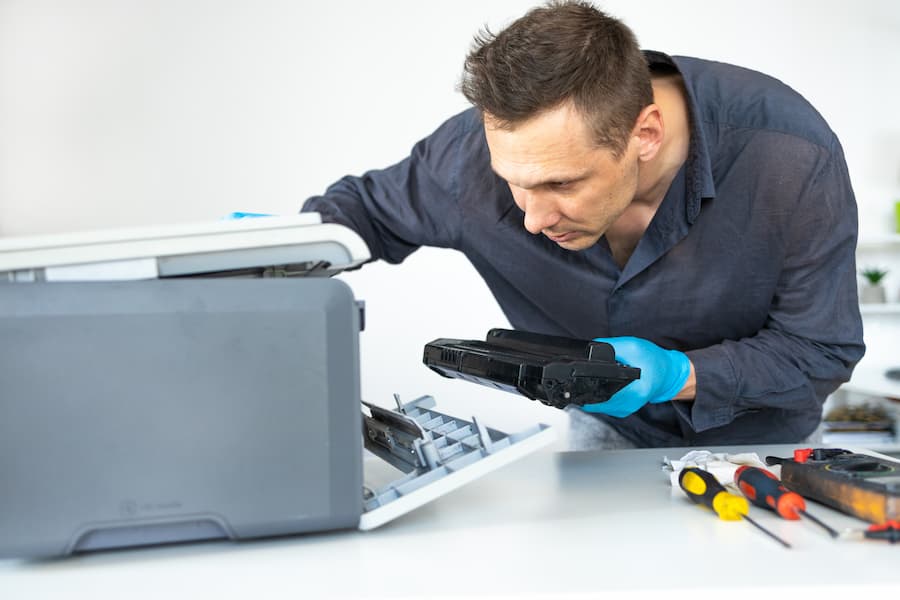
How to choose a copier repair service near you
- Guaranteed response time. Ask how quickly a technician will be onsite, and whether that’s a written commitment or just a goal.
- Brand experience. Make sure their technicians work on your brand, whether it’s Sharp, Xerox, Canon, Ricoh, Konica Minolta, HP or Lexmark.
- Parts availability. Local parts inventory means fixes on the first visit instead of waiting days for shipping.
- Clear pricing. Get the hourly rate, trip charge and parts pricing in writing, or compare against a flat-rate service contract.
- Local presence. A company with technicians based in your area responds faster than one dispatching from out of state.
- Remote monitoring. Some providers track meter readings, toner levels and error codes remotely, catching problems before you notice them.
Per-call repair vs. a service contract
| Per-call repair | Service contract | |
|---|---|---|
| How you pay | Labor, travel and parts each time | Cost per page or a flat monthly fee |
| Parts and toner | Billed separately | Usually included |
| Preventive maintenance | Only if you schedule and pay for it | Included |
| Response time | When a technician is available | Guaranteed in the agreement |
| Best for | Low-volume copiers that rarely break | Busy offices that rely on the copier daily |
Learn more in our guide to copier service contracts.
Repair or replace your copier?
Repair usually makes sense when the copier is under five years old and the fix is a single part. Consider replacing or upgrading when repairs are frequent, parts are discontinued, the machine can’t keep up with your volume, or a repair quote approaches the cost of a new lease. If you’re mid-lease with another dealer, ask about a lease buyout.
Frequently asked questions
How long does a copier repair take?
Many repairs are finished in a single visit once the technician is onsite. Repairs that need a special-order part can take longer, which is why local parts inventory matters.
Do copier repair companies work on all brands?
Many independent dealers service multiple brands. Always ask whether their technicians are trained on your specific model.
Is copier repair covered by my lease?
Most copier leases include a service agreement covering repairs, parts and often toner. Check your agreement before paying for a separate repair.
Can you repair multifunction printers too?
Yes. Office multifunction printers (MFPs) and copiers share the same core parts, and copier technicians typically service both.
Copier repair in North Carolina and Virginia
Titan Office Solutions repairs and maintains copiers and MFPs for businesses in Charlotte, Raleigh, Durham, Greensboro and Richmond, with a guaranteed 4-hour onsite response. In Charlotte, technicians work from our headquarters on W Morehead St and cover all of Mecklenburg County. Our technicians service all major brands, including machines you didn’t get from us. Request copier repair or get a free quote on a service plan.