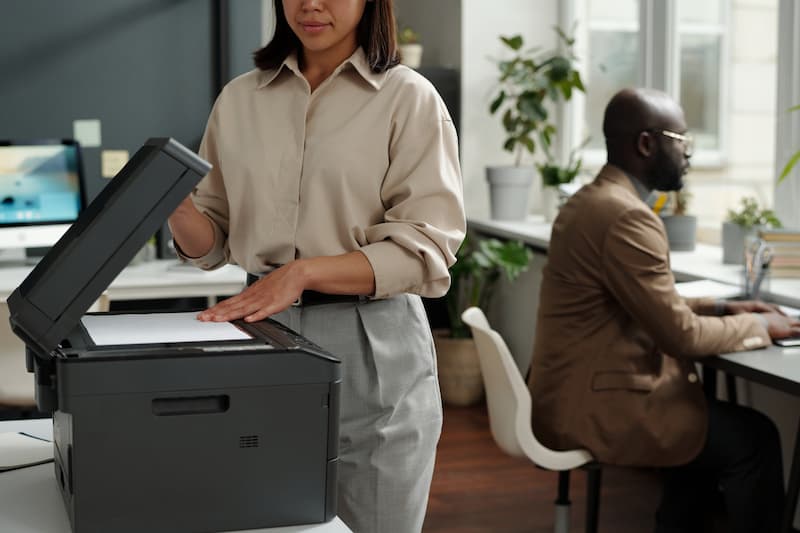
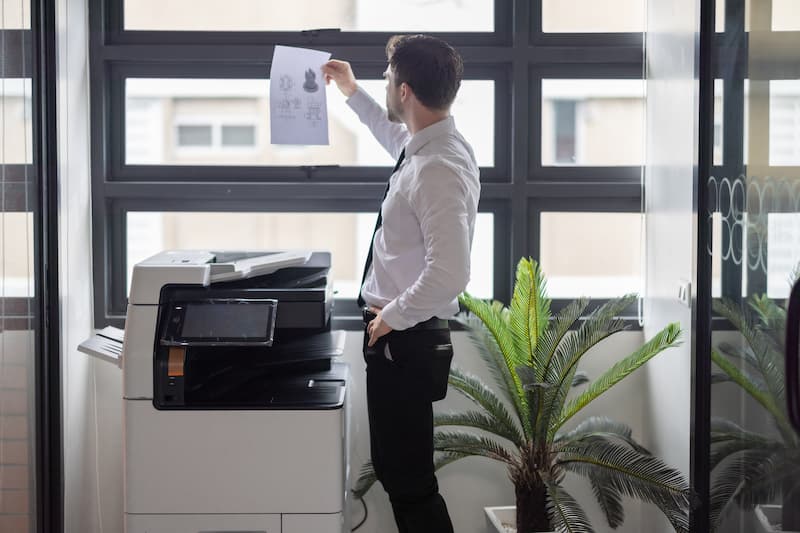
Canon’s office copiers are its imageRUNNER ADVANCE DX multifunction printers, which print, copy, scan and fax, with strong color quality, fast scanning and print management features. The lineup runs from compact letter/legal color models for small teams to fast 11×17 color and black-and-white machines for busy offices, plus imagePRESS production printers for print shops. This guide covers Canon’s main copier series, their features, how to choose the right model, and tips for getting the most out of one.
Canon copier series
| Series | Examples | Best for |
|---|---|---|
| Compact color (letter/legal) | imageRUNNER ADVANCE DX C478iF, C568iF | Small offices and departments |
| Color, 11×17, mid volume | imageRUNNER ADVANCE DX C3800 series | Small to mid-size offices |
| Color, 11×17, high volume | imageRUNNER ADVANCE DX C5800 series | Busy shared copiers and departments |
| Black and white | imageRUNNER ADVANCE DX 4900 series | Text-heavy offices |
| Production | imagePRESS | Print shops, marketing and in-plant printing |
Canon updates its lineup regularly, so ask your dealer for current models and speeds.
Key features of Canon multifunction copiers
- Color quality: consistent, accurate color for marketing materials and reports.
- Single-pass scanning: fast two-sided scanning to email, folders and cloud services.
- Print management: Canon’s uniFLOW software for tracking, secure release and cost control.
- Security: user authentication, encryption and data erase features.
- Mobile and cloud printing from phones, tablets and cloud storage.
- Finishing: stapling, hole punching and booklet making on larger models.
How to choose the right Canon copier
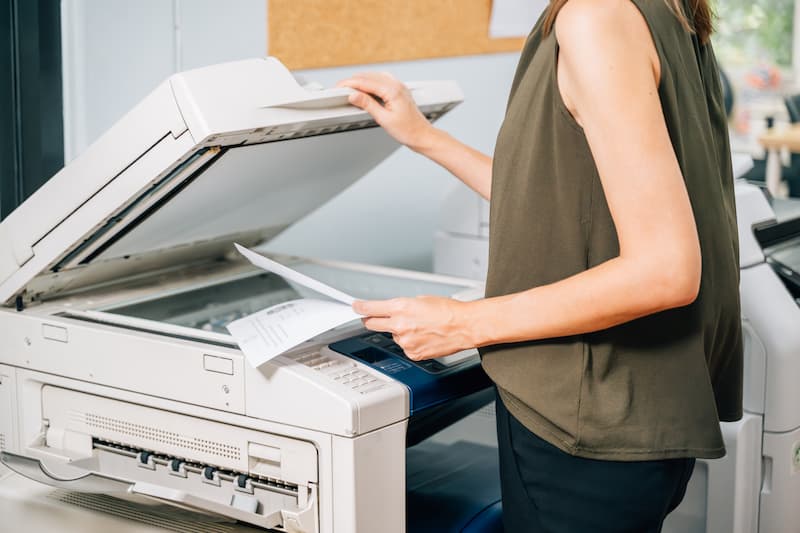
- Monthly volume: choose a series rated comfortably above your average pages.
- Color needs: lease color only if you print color regularly.
- Paper size: 11×17 requires an A3 model from the C3800, C5800 or 4900 series.
- Scanning: heavy scanners benefit from a single-pass document feeder.
- Software: decide whether you need uniFLOW, secure release or cloud connectors.
Tips for getting more from a Canon copier
- Create one-touch buttons for frequent jobs.
- Use secure print so confidential documents only print when you’re at the machine.
- Set black and white and two-sided printing as defaults.
- Track usage by department to control color costs.
Leasing a Canon copier
Most businesses lease Canon copiers over 36 to 60 months with service and toner included. For lease rates, terms and negotiation tips, see our Canon copier lease guide.
Frequently asked questions
Are Canon copiers good for small businesses?
Yes. Canon’s compact color models suit small offices, and its larger machines scale up for busy departments.
What is the difference between imageRUNNER and imagePRESS?
imageRUNNER ADVANCE models are office multifunction copiers; imagePRESS models are production printers for high-volume, high-quality print jobs.
How does Canon compare with Sharp, Xerox and Ricoh?
All make reliable office copiers at similar prices. See copy machine brands compared.
Compare Canon copiers with other brands
Titan Office Solutions sells, leases and services Canon copiers alongside Sharp, Xerox, Ricoh and HP, so you can compare models side by side. Serving North Carolina, South Carolina and Virginia with toner, parts and service included and a guaranteed 4-hour onsite response. Explore copier leasing or get a free quote.